
I categorise any file that I save in my computer outrightly into two categories: Needed/ Not Needed.
The files that are not permanently needed I keep in my Desktop itself and just delete them whenever I am done with the file or if the clutter gets unwieldy.
The files that are needed are categorised based on their size. If they are of huge size, like a media file or a movie file, I move them to my 2TB hard disk drive.
However, for other files like documents, images etc, I use Google Drive.
I follow the following directory structure
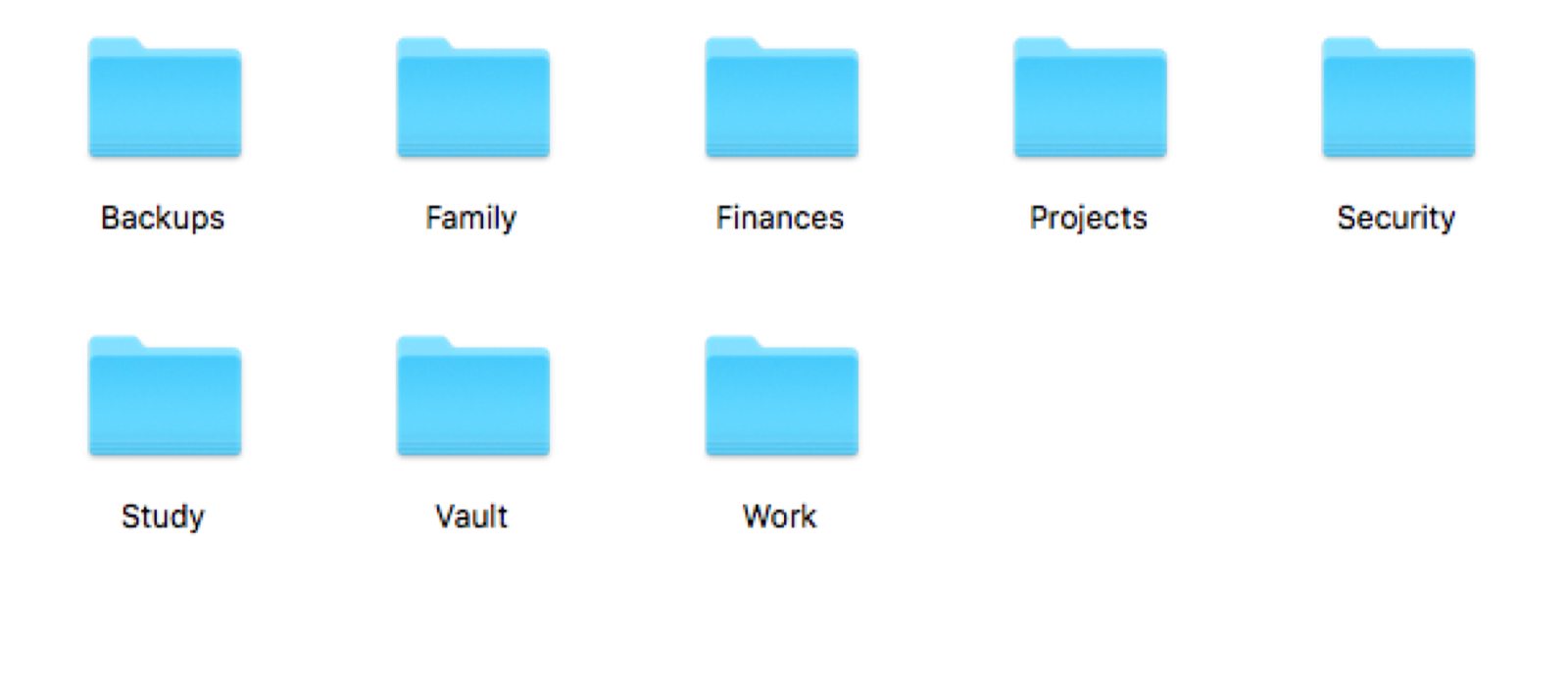
The files are simply put into one of these categories. For example, If I have downloaded my HallTicket for Civil Service Examination, I simply place it in the following folder.
Study/Exams
If it were an ebook which I want to read it later, it goes in
Study/Books
This way all the documents are logically arranged and easily accessible.
This in a way makes sure that the important documents are available to me at anytime, anywhere. To illustrate, let me show you how I have organised my Civil Service Exam related files.
Within the Study/Exams folder I have a CSE folder for each year I have written the exam. It looks like this.
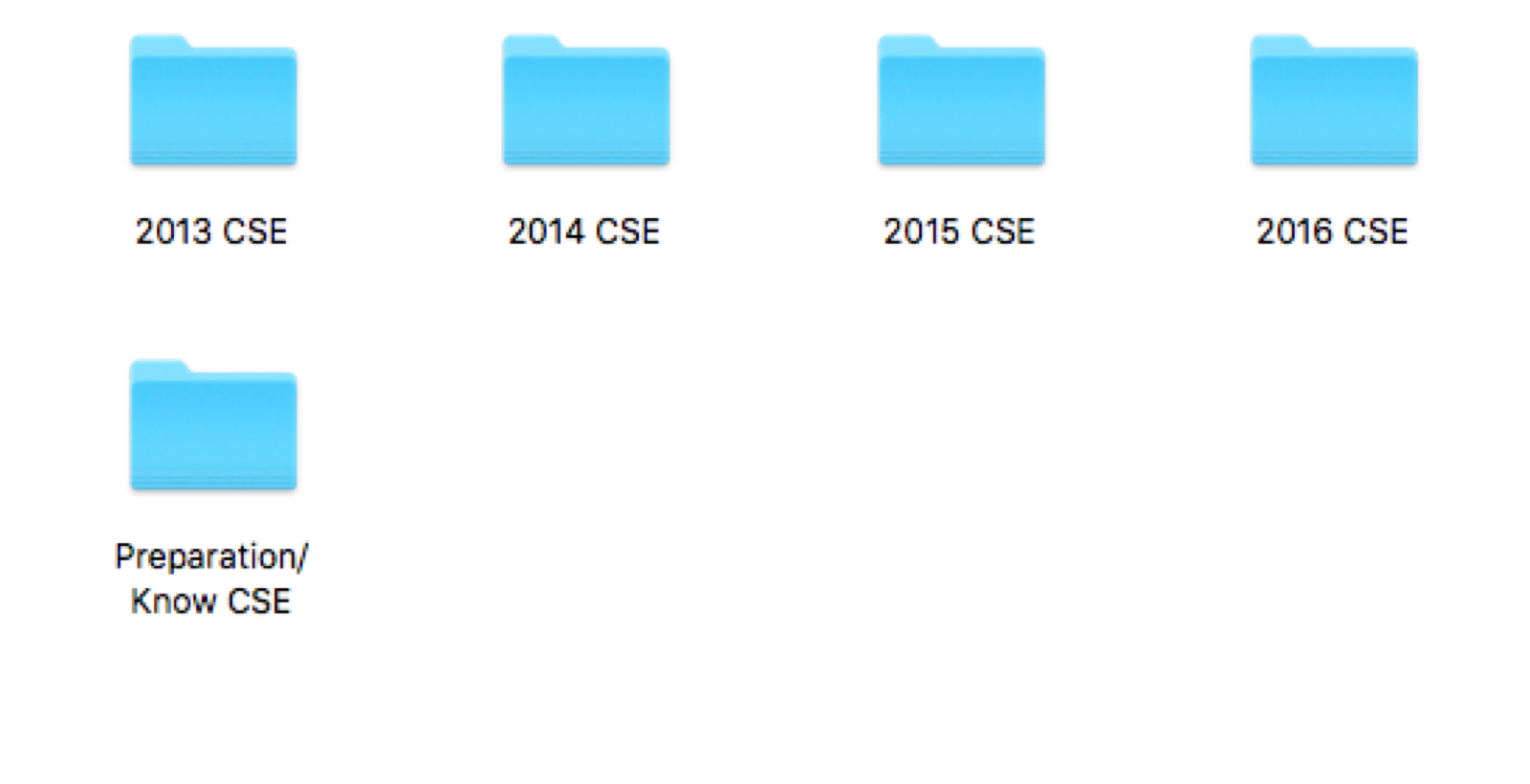
Each of these folders are again divided into different stages of the exam.
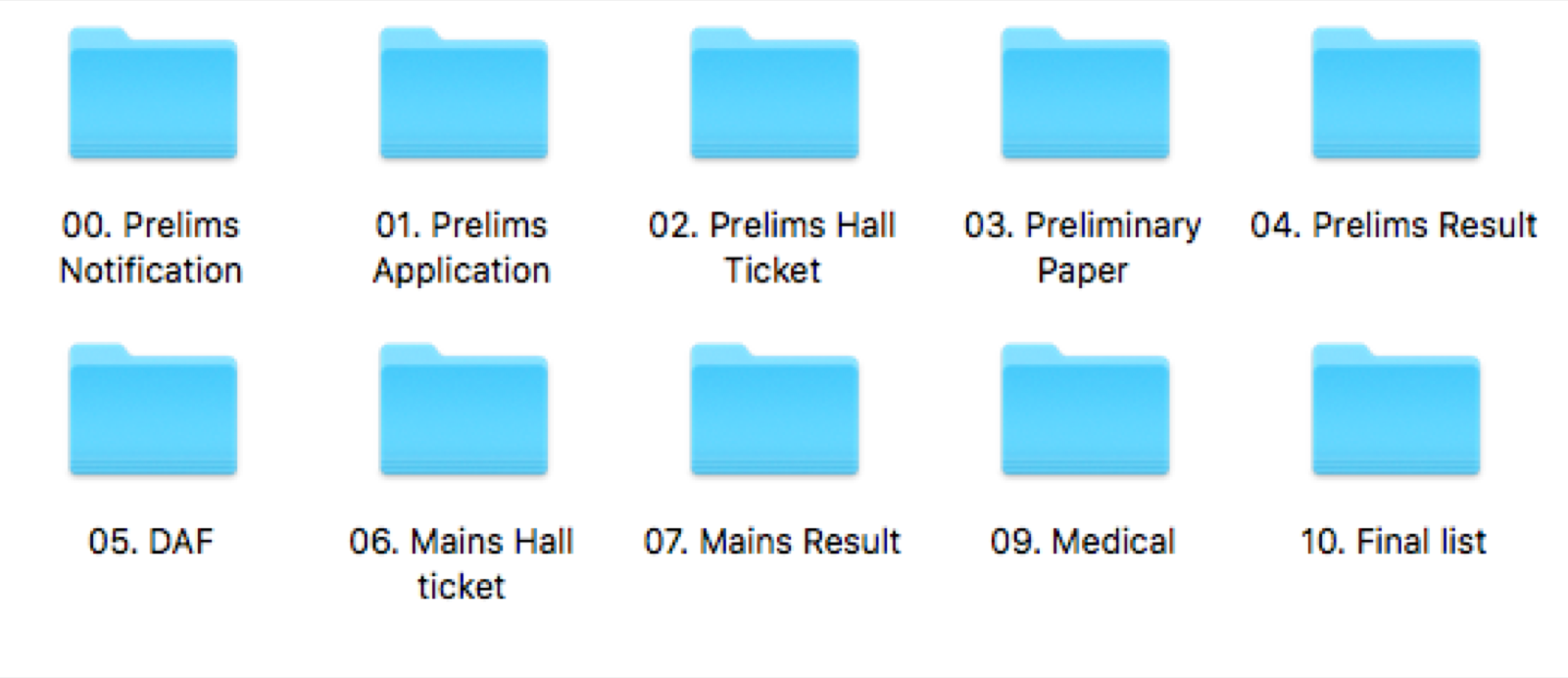
This organisation, I do as and when it happens (the files are created/downloaded). This helps to avoid clutter and also makes sure that the information is accessible easily, with minimal effort. So as soon as the prelims notification came out, I downloaded it and kept it in a folder name 00.Prelims Notification. For each stage of the exam, I create folders and file the documents accordingly.
In a way the folder symbolises my journey and it feels good to look at the transition from Prelims Notification to Final List. Similar feeling for any work undertaken.
In this system of organisation, which I have evolved over the years, there are many unwritten conventions that I follow. However, the overall framework could be used by anyone effectively.
My desktop used to be very cluttered some years back. Now when I open my laptop, a clean looking desktop welcomes me and it has remained so for the past couple of years.
I also use Dropbox and an installation of owncloud to complement Google Drive. But the organisation of files is very similar.