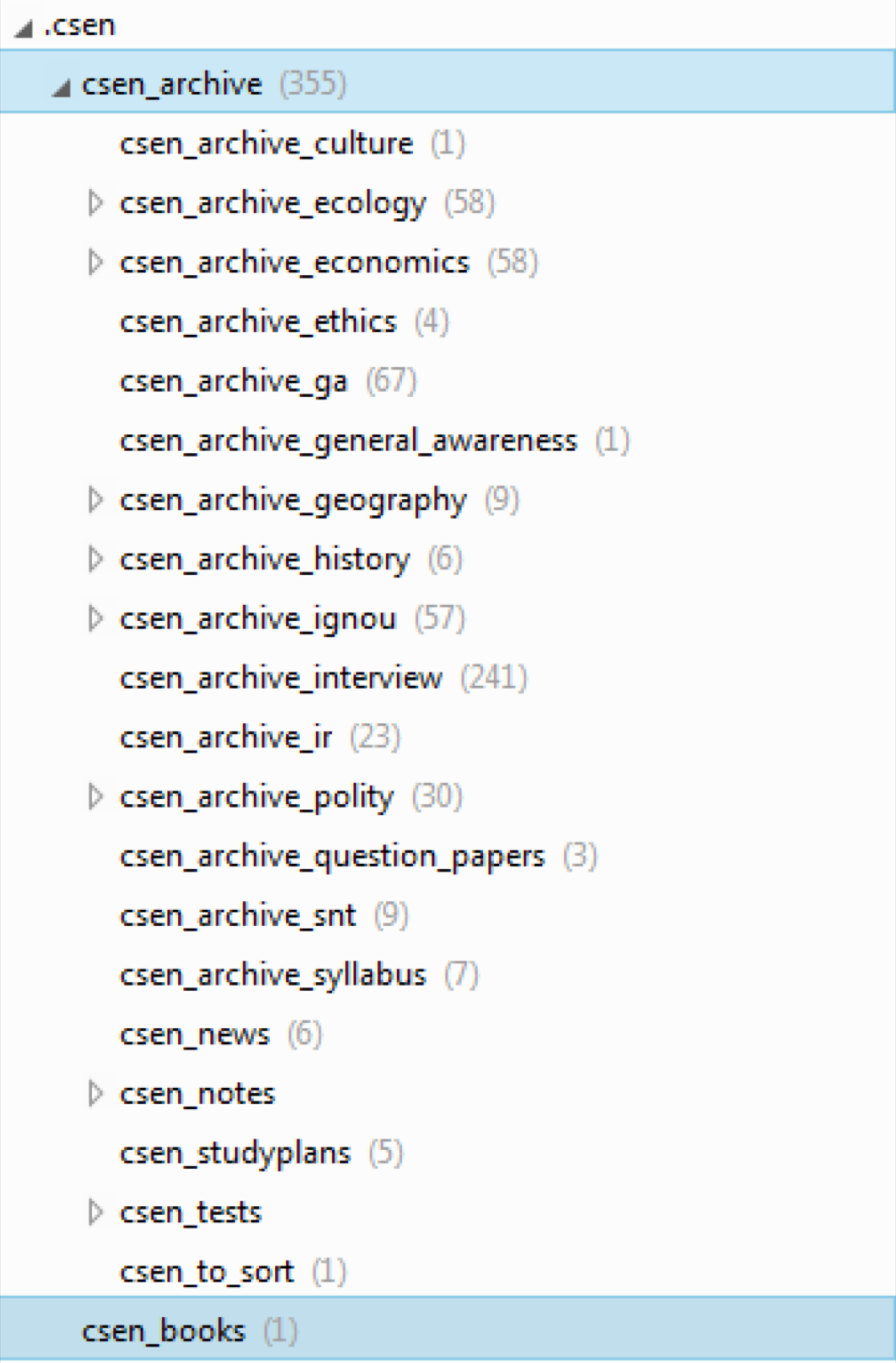
Evernote is a wonderful tool for organising your notes. If you know to use it properly, it can be quite handy. At the same time if your filing system is flawed, you would have made a lot of notes and end up wasting a lot of time, not knowing how to quickly access them.
So, here are my suggestions on how to use Evernote.
Use Tags
Bhavesh Mishra has suggested using Notebooks and Stacks for each topic. This is an extremely inefficient method. The reason? It doesn’t allow you to keep the same note under different topics. Consider this. You might have created a note on Agriculture. You might want to have the same note placed under Indian Economy and Human Geography. If you tend to categorise using notebooks, then you will have to duplicate the note. If you are a software engineer, you would know how much of a hassle duplication creates. Multiple edits, Multiple syncs..It’s a headache.
Instead, create a single note, create two tags:- human_geography, indian_economy. This means that you have to edit the note only at one place and still have it appear in both categories.
If you are not going to use evernote extensively, there is no need for using this system. You may resort to Notebooks and Stacks.
Make Mini-books
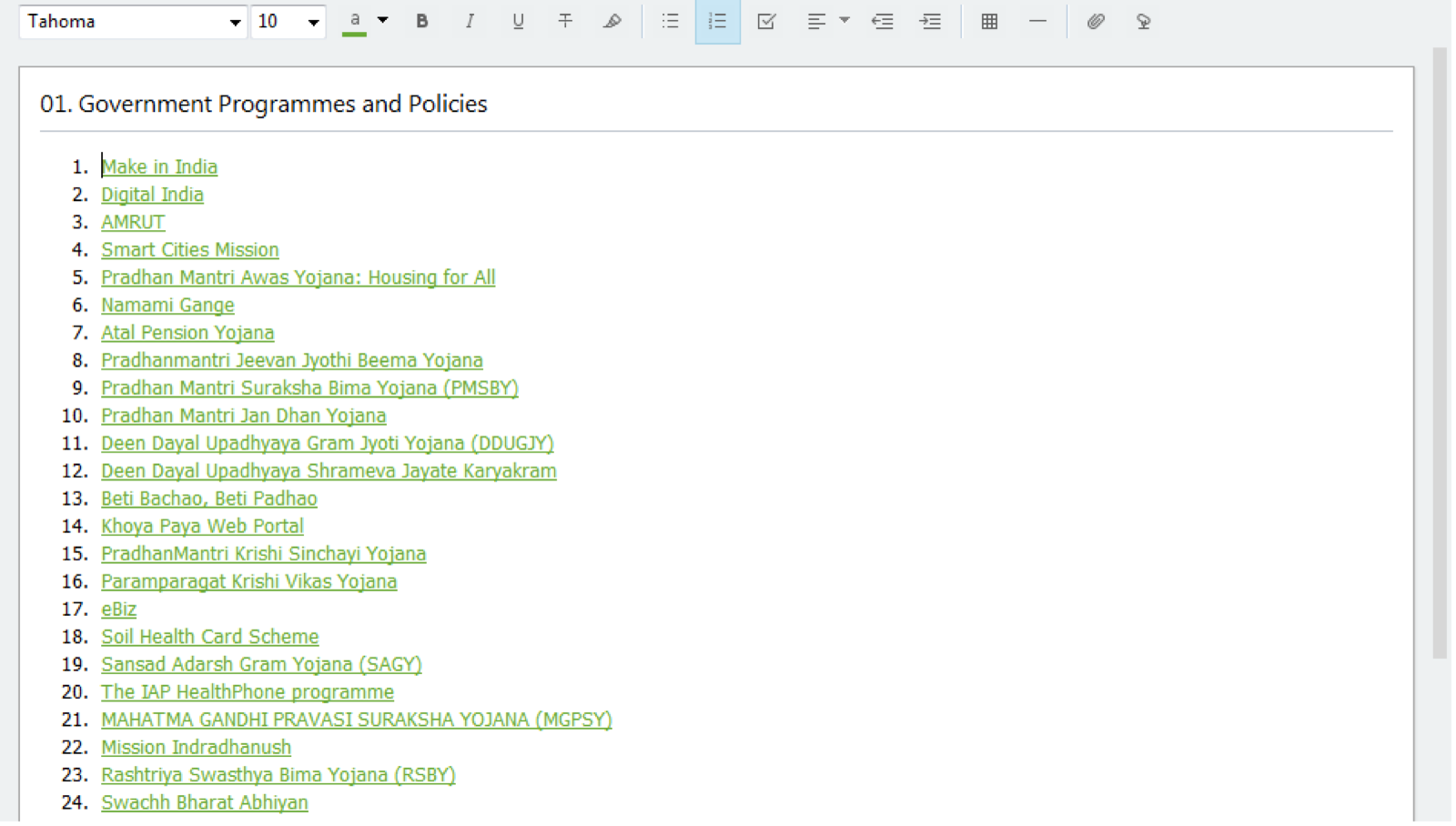
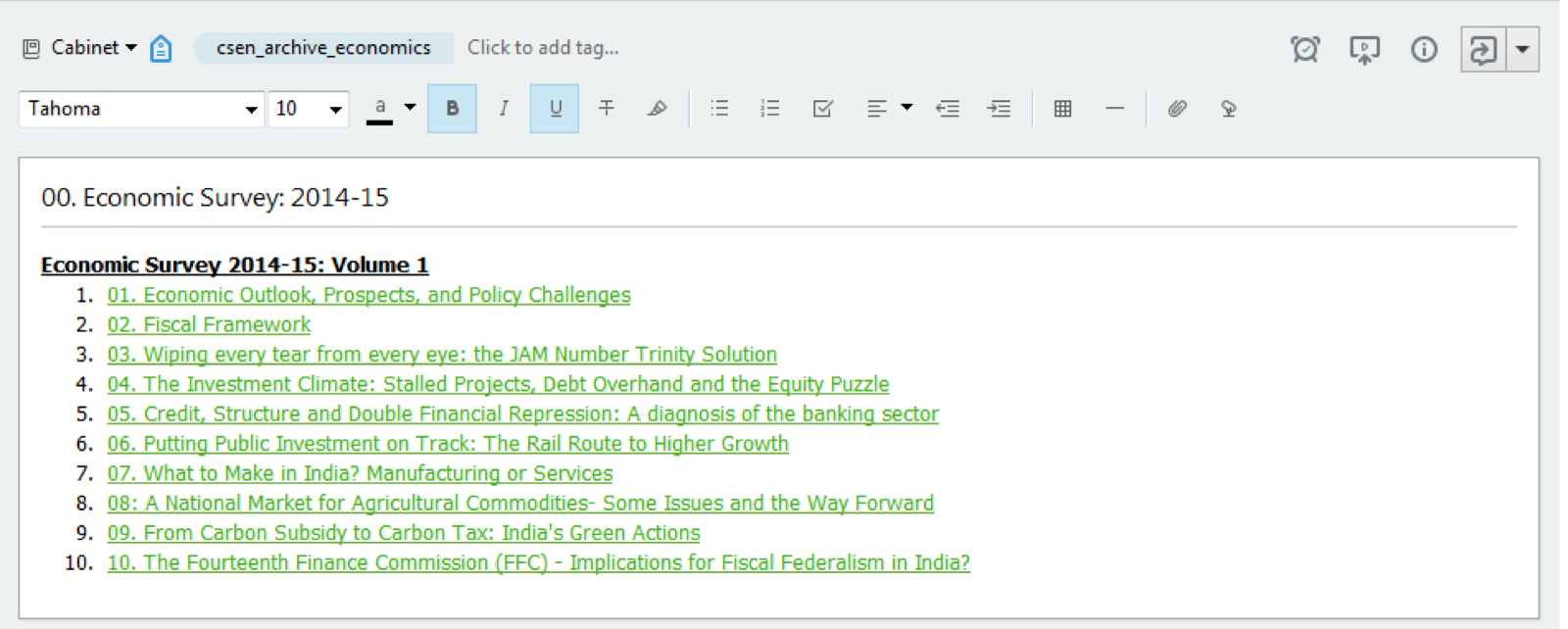
It’s very important to categorise. It is also important to create a Table of Contents. Without this you will have to keep resorting to searching, which even though is a good feature, is not the ideal solution to access notes which you frequently require.
Create short cuts
Once you have created Mini books, create a short-cut to that note book. This means quick access.
Use offline notebooks
This is a plus/premium feature. If you have money, upgrade.
My notes tend to be heavy, in the sense they have lot of diagrams and images. Therefore I commit these notes as offline. This means I can access all my notes even when I am offline.
Underline/highlight
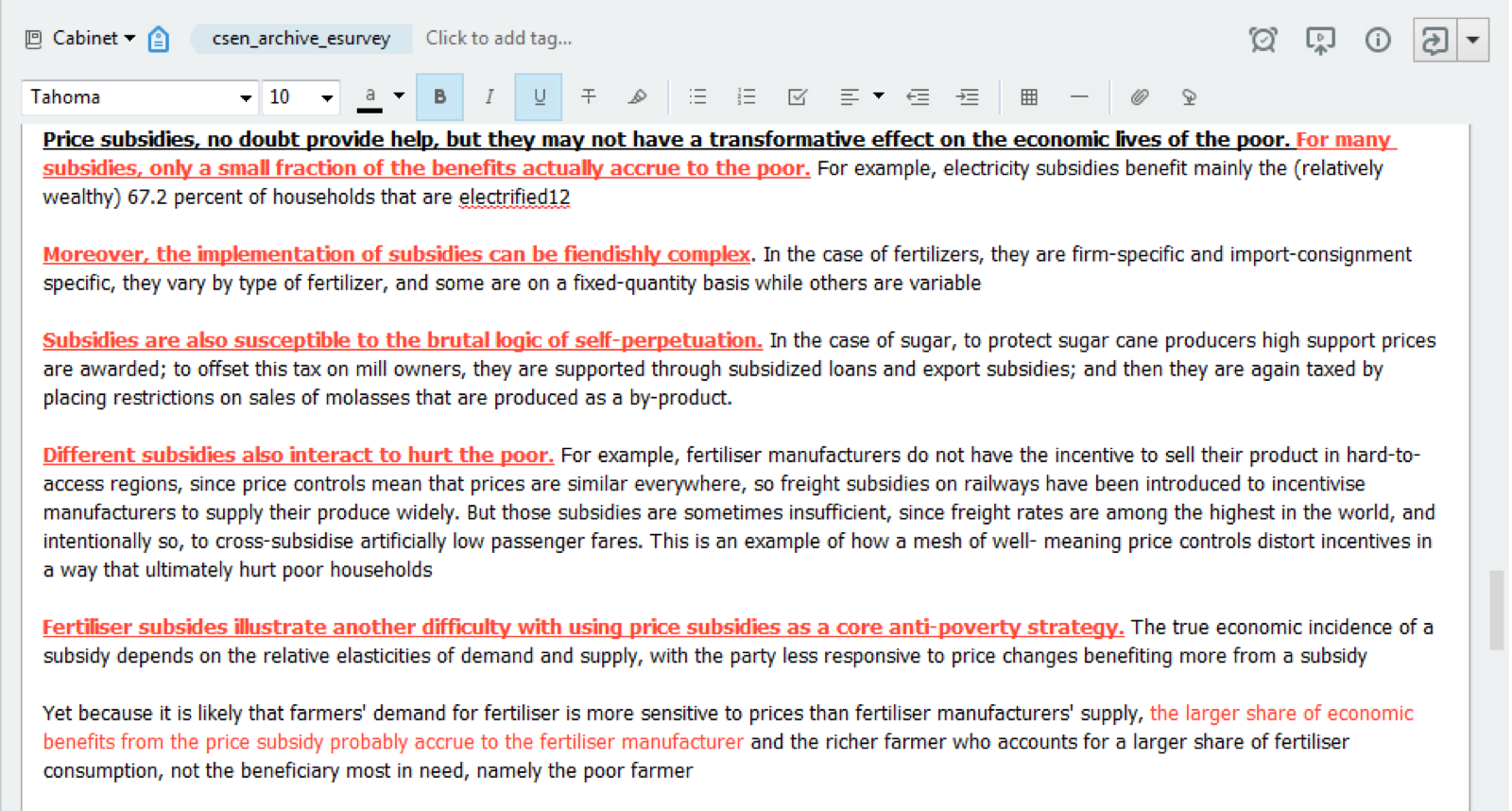
Use these features lavishly. It would be fun to read notes with all these
Scan/Take pictures
I have scanned all my handwritten notes to Evernote. A great feature of Evernote is that its search functionality extends even to handwritten notes. I have gone completely paperless over the years.
Everything from my class notes to reading notes are now on Evernote.
Create a Proper Tagging System
Your tagging system should be scientific. That is, it should be based on sound principles. Instead of creating random tags on the go, create a well defined system based on rules. For example, economy might be a top level tag, under which every tag starts with “economy_”
Evernote is a productivity tool. More than merely seeing it as a tool which would aid in your CSE preparation, see it as a step in getting organised in your life. As you use it more and more, you will get more and more efficient in leveraging its power. The first step is to start using Evernote.
I am attaching some of my screenshots.
User-13092571824046611939 has cunningly persuaded me to upload a screenshot of my tags by calling me Yondaime Sama. So here you go.